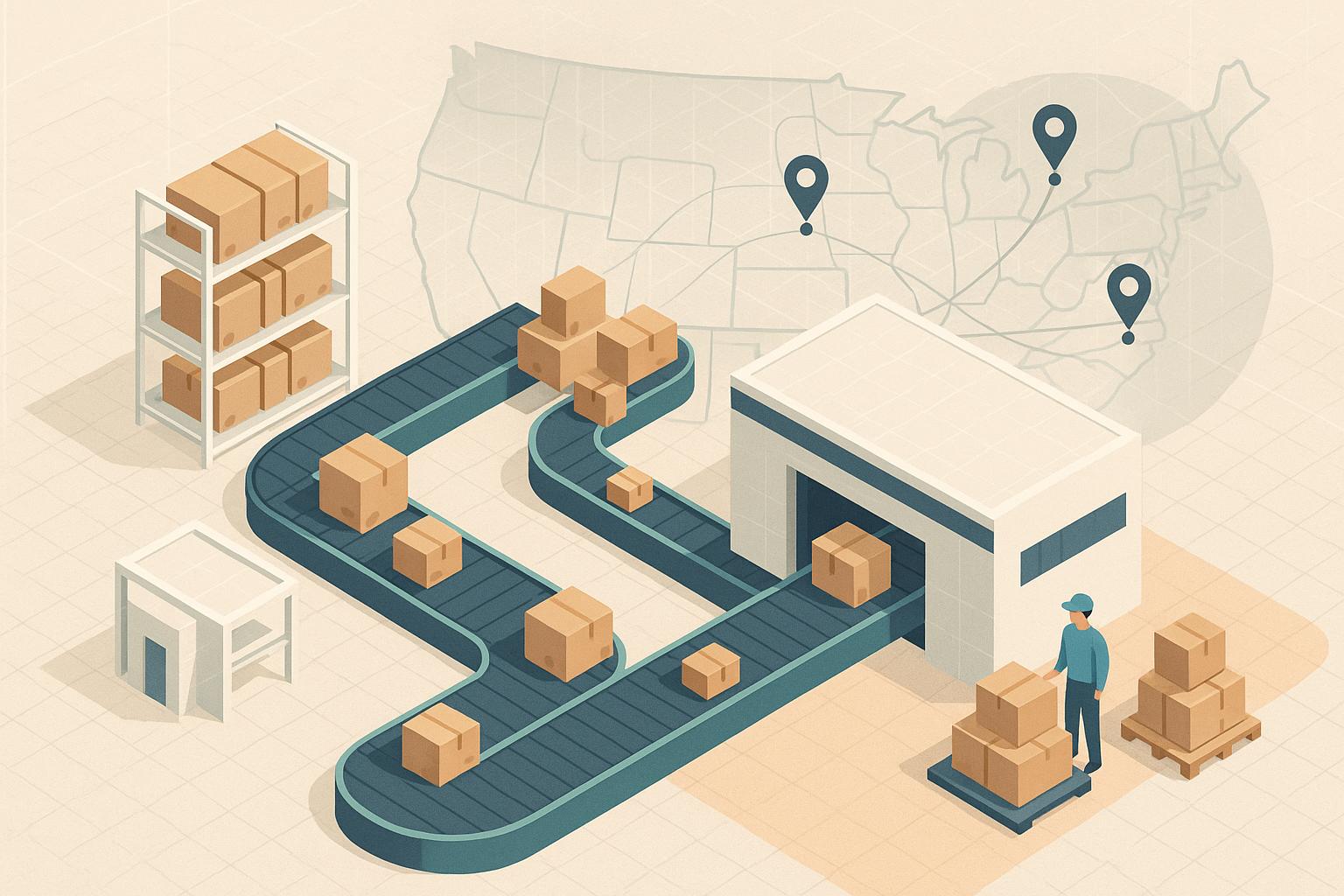
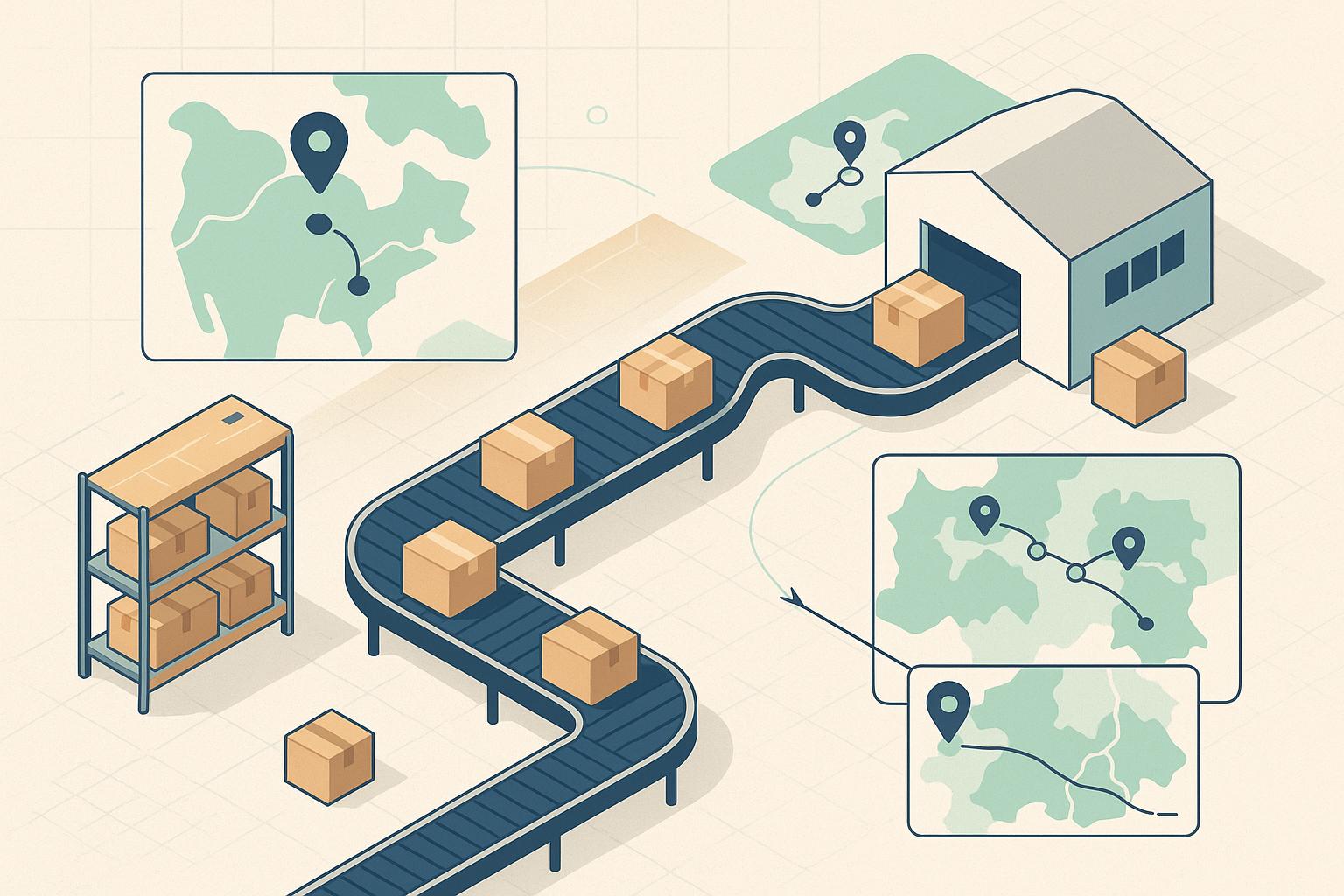
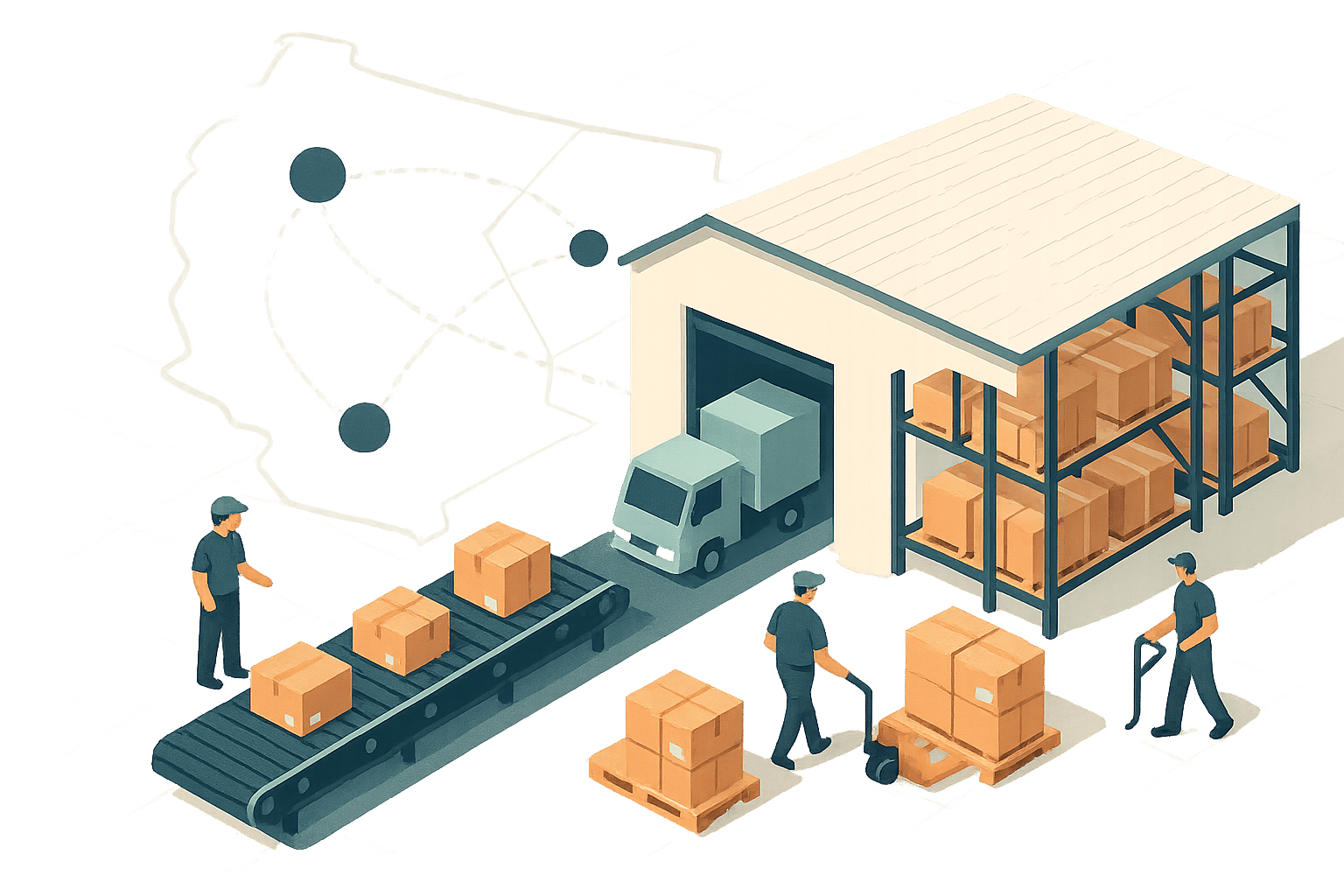
Managing a growing Shopify store can quickly become overwhelming without automation. Integrating Shopify with a third-party logistics (3PL) provider simplifies inventory management, automates order processing, and ensures real-time updates across all sales channels. Here's why it matters:
- Real-time inventory sync: Avoid overselling and stockouts with automatic updates between Shopify and your 3PL.
- Automated order processing: Orders flow directly to your 3PL for picking, packing, and shipping - no manual intervention required.
- Improved customer experience: Customers receive timely tracking updates, reducing "Where's my order?" inquiries.
- Multi-channel alignment: Sync inventory across Shopify, Amazon, and other platforms to prevent discrepancies.
Setting up is straightforward with pre-built apps or APIs. Once integrated, you’ll save time, reduce errors, and focus on scaling your business instead of managing logistics manually.
Shopify Integration: How to Automate Order Fulfillment for Merchants

Why Integrate Your 3PL with Shopify
Running a Shopify store without integrating a third-party logistics (3PL) provider can quickly become a logistical nightmare as your business expands. Managing inventory and orders manually might work initially, but it’s a recipe for inefficiency down the line. Delayed fulfillment, increased errors, and unhappy customers are just a few of the headaches that come with outdated processes.
The main problem is a lack of real-time visibility. When your Shopify store and 3PL operate as separate systems, you’re left guessing. You won’t know which orders are being processed, which shipments are delayed, or when inventory levels are dangerously low until it’s too late. This disconnect often leads to overselling - leaving customers frustrated when they order products that are no longer in stock. It also makes it tough to monitor performance metrics like shipping speed or accuracy, making it harder to hold your 3PL accountable.
For businesses selling on multiple platforms - Shopify, Amazon, or social media - the complexity grows exponentially. Without integration, you’re stuck juggling inventory counts across platforms, hoping they stay aligned. A single mistake in manual updates could mean overselling inventory, leading to disappointed customers and unnecessary stress.
By integrating your Shopify store with your 3PL, you create a seamless, automated connection that eliminates these inefficiencies and sets the foundation for smoother operations.
Real-Time Inventory Synchronization
One of the biggest benefits of integration is real-time inventory updates. When a customer places an order on your Shopify store, the inventory count is automatically adjusted in both Shopify and your 3PL’s system. This eliminates the risk of multiple customers purchasing the same out-of-stock item.
The process works both ways. When your 3PL receives new stock or restocks inventory, those updates are instantly reflected in Shopify. This ensures your customers always see accurate product availability, saving you from the embarrassment of canceling orders due to stock discrepancies.
Real-time updates also mean automatic stock alerts. If inventory levels dip, you’ll know immediately, giving you time to restock before running out. For businesses running promotions or experiencing sudden spikes in demand, this feature can be a game-changer. It ensures you’re prepared to keep popular items in stock and avoid losing sales.
For sellers managing multiple sales channels, this synchronization is even more crucial. Integration ensures that inventory updates across platforms like Shopify, Amazon, and others happen automatically. If an item sells on Amazon, your Shopify store reflects that change instantly, preventing overselling and keeping your operations aligned.
Automated Order Processing
Another major advantage of integration is the automation of order processing. When a customer places an order on Shopify, it’s sent directly to your 3PL’s system without any manual intervention. Your 3PL then handles the picking, packing, and shipping, while tracking information flows back to Shopify and is shared with the customer automatically.
This automation drastically reduces errors and speeds up fulfillment. There’s no risk of miskeying an address, selecting the wrong product, or forgetting to process an order. Orders move through the system instantly, ensuring faster delivery and fewer mistakes.
By automating these repetitive tasks, your team can focus on more impactful activities like marketing, product development, or improving customer relationships. Instead of spending hours on manual order entry, you can dedicate resources to growing your business.
For businesses selling across multiple channels, this automation becomes even more critical. A strong 3PL integration ensures all orders - whether from Shopify, Amazon, or elsewhere - are managed in one central system. No more juggling multiple platforms or worrying about mismatched data.
Better Customer Experience
Integration doesn’t just streamline operations - it also enhances the customer experience. Once an order ships, tracking information is automatically updated in Shopify and shared with the customer. This level of transparency eliminates the frustration of not knowing where an order is or when it will arrive.
Customers can track their packages in real time, reducing delivery anxiety and cutting down on support inquiries like “Where’s my order?” With fewer basic questions to handle, your customer service team can focus on more complex issues that require personal attention.
Automated shipping notifications also add a professional touch. Updates like “Your order has shipped” or “Your package is out for delivery” keep customers informed without requiring extra work from your team. These proactive messages build trust and show that your brand is well-organized.
Faster fulfillment and clear communication give you a competitive edge. Today’s customers expect quick shipping and real-time updates as standard. Meeting these expectations consistently boosts satisfaction, leading to repeat purchases and glowing reviews that attract new customers.
Integration also gives you the tools to identify and fix problems before they escalate. With full visibility into metrics like on-time shipping rates and processing speeds, you can spot delays early and work with your 3PL to resolve them. Instead of learning about issues through customer complaints, you can address them proactively.
How to Prepare for Shopify 3PL Integration
Getting your Shopify store ready for a 3PL integration is crucial to avoid fulfillment delays and data mishaps. Overlooking steps like cleaning up product data or fine-tuning Shopify settings can lead to synchronization issues that slow down your operations.
Audit and Organize Your Inventory Data
Your inventory data forms the backbone of a smooth integration. Start by standardizing your SKUs. Each product should have a unique and consistent identifier that matches across your Shopify store and your 3PL's system. Duplicate or mismatched SKUs can cause major headaches during order processing.
Double-check that your product details are accurate. This includes everything from titles and descriptions to images, weights, dimensions, and barcodes. Any errors here can lead to problems with picking, packing, and calculating shipping costs.
Make sure your physical inventory counts align with the numbers in Shopify. This step ensures both systems are in sync from day one, minimizing discrepancies once the integration goes live.
If you sell items with special storage or shipping needs - like fragile skincare products or temperature-sensitive goods - organize them accordingly. Flagging these items helps your 3PL handle them properly during storage and delivery.
Finally, clean up your product catalog. Remove outdated SKUs, consolidate duplicate listings, and get rid of discontinued items. This not only simplifies data synchronization but also keeps your operations running efficiently.
Once your inventory is in order, update your Shopify settings to reflect these changes.
Review Your Shopify Settings and Shipping Options
Take a close look at your Shopify shipping settings. Update your shipping zones to align with your 3PL’s service areas, and configure shipping rates, methods, and order routing rules to match their capabilities. If your 3PL doesn’t support certain shipping options, remove them to avoid confusing your customers and causing fulfillment issues.
Next, integrate the carriers your 3PL uses - whether that’s UPS, FedEx, USPS, or regional services - into your Shopify store. This step ensures a seamless connection between your store, your 3PL, and the delivery process.
Once your internal systems are aligned, you’re ready to focus on choosing the right 3PL partner.
Choose a Compatible 3PL Partner
Picking the right 3PL provider is a critical step in ensuring your integration succeeds. Look for a provider that’s experienced with eCommerce and has proven Shopify integration capabilities. Ideally, they should offer pre-integrated Shopify connections or the ability to set up a custom API if your requirements are more complex.
Make sure the provider can handle the standardized SKUs and shipping configurations you’ve set up. They should also support real-time inventory updates, order processing, and tracking information. Evaluate their service area to confirm they can efficiently reach your customers, and review their warehouse locations and delivery speeds to see if they meet your expectations.
Technology is another important factor. A provider with a strong tech platform offering real-time dashboards and detailed analytics gives you better visibility into your fulfillment operations. If your products require special handling, ensure the provider has experience managing those specific needs.
To simplify your search, tools like Forthmatch can be a game-changer. Forthmatch is a free global directory that helps direct-to-consumer brands compare vetted 3PL providers. It offers insights on delivery reach, platform compatibility, pricing, and even feedback from other merchants, making it easier to find the right partner.
Before finalizing your choice, prepare detailed documentation for potential 3PL partners. Include your current order volumes, seasonal trends, and growth forecasts so they can evaluate capacity and scalability. Provide accurate product specs - like dimensions, weights, and any special handling requirements - and outline your integration needs, such as custom order routing or specific reporting features. This level of preparation helps your 3PL give accurate quotes, flag potential technical challenges, and plan the integration process effectively.
sbb-itb-eb0f906
How to Integrate Shopify with Your 3PL Provider
Once you've prepared your data, updated Shopify, and chosen your 3PL provider, it's time to connect the two systems. This process can be broken down into three key steps: establishing the connection, configuring your settings, and thoroughly testing everything before going live.
Connect Shopify to the 3PL's System
There are two main ways to link your Shopify store with your 3PL provider: app-based integration or API integration.
App-based integration is the easier option for most businesses. Many 3PL providers offer pre-built apps in the Shopify App Store. Simply install the app, grant the required permissions, and you're ready to go.
API integration, on the other hand, offers more flexibility and control. This method requires you to use API documentation from both Shopify and your 3PL provider to set up API keys and endpoints for data exchange. While it's more complex, it allows for custom configurations tailored to your needs.
To get started, log into Shopify, navigate to the 3PL integration setup page, and authorize the connection by clicking "Install app." Review the requested permissions - such as access to orders, inventory, products, and fulfillment data - to ensure they align with your requirements. Once installed, you should see a "Successful Authorization" message within seconds.
If you don’t have direct access to your Shopify store, some 3PL providers offer a "Share Setup Link" feature, allowing you to email setup instructions to a team member. After connecting, test the API using the "Test" button to confirm that data flows smoothly between Shopify and the 3PL's warehouse management system.
For users of Forthmatch, you can also integrate your Shopify store to import historical orders and monitor provider records for ongoing performance tracking.
With the connection established, the next step is configuring your settings for seamless operations.
Configure Inventory and Order Settings
This step ensures that Shopify and your 3PL work together seamlessly by aligning inventory and order management settings.
Start by setting up SKU mapping. This step links the SKUs in your Shopify store to the corresponding products in your 3PL's warehouse system. Double-check the mapping to ensure accuracy before orders start flowing.
If your 3PL operates multiple warehouses, enable multi-location inventory tracking. Update your Shopify inventory settings to sync with the 3PL's system, ensuring stock levels are accurately reflected across all locations. If you sell on multiple platforms - like Amazon in addition to Shopify - a strong 3PL integration can help keep inventory in sync across all channels, reducing the risk of overselling or stockouts.
Next, configure automatic order routing. This feature directs orders from Shopify straight to your 3PL for processing. Set up rules to determine which orders should be routed and how they should be handled. Once enabled, orders will flow directly to your 3PL without the need for manual intervention.
Enable real-time updates to keep your systems in sync. When your 3PL picks, packs, and ships an order, the tracking information will automatically update in your Shopify dashboard and notify your customers. This ensures a smooth experience for both you and your shoppers.
Once these configurations are in place, it's time to test the integration.
Test the Integration
Testing is a crucial step to ensure everything works as expected. Start by placing test orders in your Shopify store to verify that they are correctly sent to your 3PL provider. Test different scenarios, including various product types, shipping destinations, and order volumes, to confirm reliability under diverse conditions.
Monitor inventory updates to ensure stock levels adjust correctly in both systems. For example, when a test order is placed, inventory should decrement in real time in both your Shopify dashboard and the 3PL's system. If you're using multi-location tracking, make sure the correct warehouse is being updated.
Check shipping notifications to confirm that tracking information flows back to Shopify. When your 3PL processes a test order, the tracking number should appear in your Shopify admin and trigger an automatic shipping confirmation email to the customer.
Simulate a full order lifecycle to verify that all status updates - like "pending", "processing", and "fulfilled" - are reflected accurately in both systems. Test edge cases, such as what happens if an item is out of stock or if a customer's address is incomplete.
Finally, confirm that inventory syncs correctly and that all order details - product information, stock levels, shipping details, and customer data - are consistent across both systems.
Once you're satisfied with the testing results and confident the integration is functioning smoothly, you're ready to go live. Keep a close eye on operations during the initial days to quickly address any issues that may arise. This proactive approach will help ensure a seamless transition to live order processing.
Managing Your Integration After Setup
Once your integration is live, keeping it running smoothly becomes a top priority. Think of it like maintaining a car - regular checkups and attention to detail are key to avoiding bigger issues down the road. Here's how to stay on top of things.
Monitor Key Performance Indicators (KPIs)
Keeping an eye on the right metrics ensures your integration performs as expected. Tracking data helps you catch potential issues before they affect your customers.
Start with order accuracy rate - this reveals how often orders are picked, packed, and shipped correctly. Aim for an accuracy rate above 99%. Anything lower could mean customers are receiving incorrect items, leading to returns and harming your reputation.
Shipping speed is another critical metric. If your 3PL promises 1–2 day ground delivery to most U.S. ZIP codes, verify they’re meeting that goal. Compare actual delivery times to your service level agreements (SLAs) and track the time from order placement to delivery.
Order processing time should be nearly instantaneous with a proper setup. If there’s a delay in transferring orders, it could signal technical problems that need immediate attention.
Keep a close watch on inventory synchronization accuracy. Mismatches between your Shopify dashboard and your 3PL’s system can lead to overselling or stockouts. Check daily to ensure inventory levels align, especially for your top-selling products.
To make monitoring easier, set up automated alerts for SLA breaches. Use a centralized dashboard to visualize trends and key metrics, making it simpler to identify patterns and resolve issues before they escalate. For merchants using Forthmatch, integrating your Shopify store allows you to import historical orders and continuously monitor records for better visibility and accountability.
Conduct Regular Inventory Audits
Even with real-time syncing, discrepancies can pop up. Regular inventory audits help you catch and fix these before they impact your customers.
Perform audits monthly, or even weekly for high-volume products. During audits, compare inventory levels in Shopify with those in your 3PL’s system. Document any discrepancies, no matter how minor, and physically verify stock counts for critical items instead of relying solely on system data. Also, look out for inventory stuck in transit or pending processing, as these can cause temporary mismatches.
Review inventory movement reports to spot slow-moving or outdated stock. This lets you make smarter decisions about reordering and clearing out old inventory. If you find discrepancies, investigate immediately. Determine whether it’s due to a syncing delay, data entry error, or actual inventory loss. Check your integration logs for failed syncs and, if needed, manually trigger a full resync between Shopify and your 3PL.
To prevent future issues, enable real-time inventory updates so changes are reflected instantly. Set protocols requiring your 3PL to confirm all inventory shipments before updating stock levels. Barcode scanning during picking and packing can also reduce human error. Finally, configure automated alerts in Shopify to flag unusual inventory movements or significant mismatches.
Communicate with Your 3PL Provider
Your 3PL provider isn’t just a vendor - they’re a critical partner in your operations. Regular communication ensures both sides stay aligned and helps prevent minor issues from becoming major headaches.
Set up a formal communication schedule that includes weekly operational check-ins, monthly performance reviews, and quarterly strategy meetings. Weekly check-ins should focus on immediate concerns like order processing issues, inventory discrepancies, or customer complaints.
Monthly reviews dive deeper into performance metrics. Track KPIs like order accuracy, shipping times, and inventory sync rates. Compare current performance to previous periods to identify trends. If metrics are slipping, work together to find the cause and create an action plan.
Quarterly meetings are an opportunity to discuss bigger-picture topics, like adding new products or sales channels, adjusting service levels, or exploring ways to cut costs or speed up delivery. As your business grows, your integration strategy should evolve to keep pace.
A shared dashboard where both you and your 3PL can access real-time performance data fosters transparency and trust. It ensures everyone is working from the same information. Also, establish clear escalation procedures for urgent issues, such as system outages, and define what qualifies as routine concerns that can wait for the next review.
Share customer feedback with your 3PL regularly. If customers report delays or damaged items, make sure your provider knows so they can address these issues. On the flip side, sharing positive feedback reinforces good performance.
Document all discussions and decisions. This creates accountability and provides a reliable reference for future conversations. If you’re managing inventory across multiple platforms like Shopify, Amazon, and eBay, ensure your 3PL understands your allocation rules and can sync stock levels in real time across all channels. This prevents overselling and ensures products remain available.
Good communication isn’t just about fixing problems - it’s about building a partnership that benefits both businesses. Stay informed about any new features or updates your 3PL introduces, and adjust your integration strategy as needed to keep things running smoothly.
Conclusion
Bringing Shopify and a 3PL provider together creates a seamless supply chain that speeds up shipping, avoids stockouts, and boosts customer satisfaction - a game-changer for eCommerce businesses, especially as this integration becomes essential for staying competitive in 2025 and beyond.
The advantages are clear. Real-time inventory syncing eliminates the need for manual spreadsheet updates, reducing the risk of overselling and stockouts. Automated order processing minimizes errors, freeing your team to focus on scaling your business rather than getting bogged down by repetitive tasks.
The integration process itself is relatively simple. By following the steps outlined earlier, you can connect your Shopify store to a 3PL provider through secure APIs or apps, map SKUs, verify inventory, and enable automatic order syncing. To ensure long-term success, you'll need to monitor order accuracy, inventory updates, and customer feedback regularly. As your business evolves - whether through new products, market expansions, or increased order volume - your integration strategy should adapt accordingly.
Selecting the right 3PL partner ties everything together. Platforms like Forthmatch offer a global directory of vetted 3PL providers tailored for DTC brands. You can compare options based on delivery reach, Shopify compatibility, pricing, and merchant reviews - all without dealing with brokers, quote forms, or hidden fees. Once integrated, tools like historical order tracking and daily performance monitoring provide valuable insights to help you stay on top of fulfillment operations.
FAQs
What are the benefits of connecting Shopify with a 3PL provider for managing inventory?
Integrating Shopify with a third-party logistics (3PL) provider can transform how you manage inventory and fulfill orders. By automating processes like tracking stock levels, updating orders, and managing shipping, you can save both time and reduce the chances of costly mistakes.
Some key benefits include:
- Real-time inventory tracking: Keep tabs on your stock across multiple locations, helping you avoid overselling or running out of products.
- Quicker order fulfillment: Tap into your 3PL’s infrastructure and expertise to streamline shipping and delivery processes.
- Room for growth: As your business expands, a 3PL can handle higher order volumes without the need for additional in-house resources.
For direct-to-consumer (DTC) brands, tools like Forthmatch make finding the right 3PL easier. They provide clear comparisons and feedback, helping you integrate seamlessly with Shopify and other platforms.
What steps should I take to seamlessly integrate my Shopify store with a 3PL provider?
To seamlessly link your Shopify store with a 3PL provider, the first step is to confirm that the 3PL you’re considering works with Shopify. After that, make sure you have all the required credentials, like API keys, to establish the connection. Shopify’s built-in apps or third-party tools can make this setup much easier.
Once the integration is in place, run a few tests. Sync a handful of products and place test orders to check that inventory updates and order fulfillment are functioning correctly. Keep an eye on the connection regularly to catch and resolve any issues quickly, ensuring your operations stay on track. If you need help choosing a 3PL provider, Forthmatch offers comparisons of pre-vetted options tailored to your business.
What factors should I consider when selecting a 3PL provider for my Shopify store?
When picking a 3PL provider to connect with your Shopify store, it's important to focus on a few crucial aspects to ensure everything runs smoothly. Start with delivery reach - make sure the provider can handle shipping to the regions where most of your customers are located. Next, check for platform compatibility to ensure the 3PL integrates effortlessly with Shopify and offers features like real-time inventory updates. Pay attention to pricing transparency so you fully understand the costs and avoid unexpected fees. Lastly, consider merchant feedback to gauge the provider's reliability and the quality of their services. These steps can simplify your inventory management and make order fulfillment more efficient.